
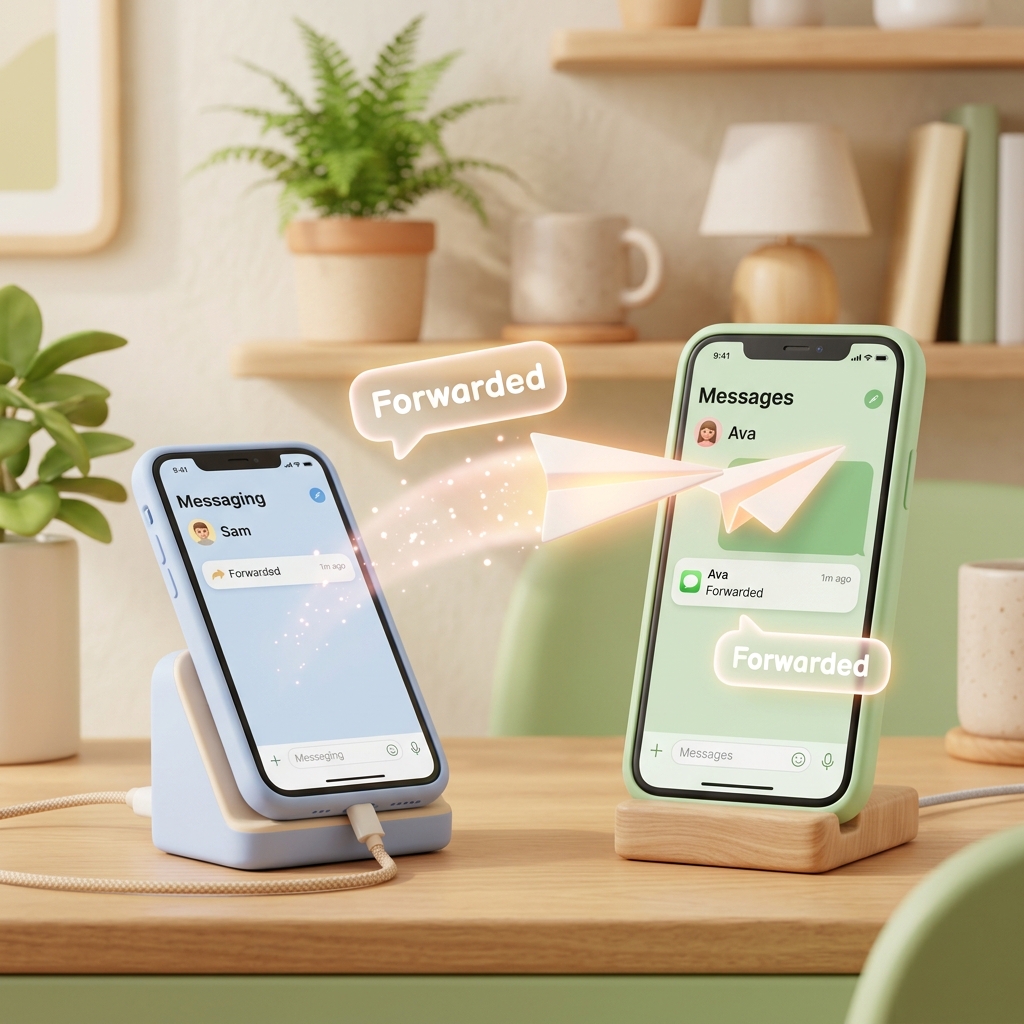
Forward Card Payment Alerts from Secondary Phone to Main Phone
Many of us manage multiple credit cards and phones today—perhaps you have a card dedicated to online shopping discounts, another linked to utility bills tucked away in a drawer, or a secondary phone on a cheap mobile plan.
The challenge is managing a secondary phone that you don't look at every day. If you leave that phone in a drawer or on silent, you might miss urgent SMS messages—like insufficient balance warnings, card limit notifications, or fraudulent transaction alerts—leading to unexpected overdue bills.
You don't need to carry both phones with you everywhere. Simply install the SMS Forwarder app on your secondary phone, and set it to forward all card payment and banking texts to your main smartphone instantly. You can manage your finances cleanly using just your main device!
1. Why Checking Financial Texts on Your Secondary Phone Matters
Ignoring banking SMS messages sent to your secondary phone can lead to unexpected financial losses:
- The Overdue Bill Trap: If your utility bills or subscription services are auto-debited to a card on your secondary phone, you won't notice if a transaction fails due to insufficient balance. This can lead to a drop in your credit score and high late fees.
- Vulnerability to Fraud: If your card details are stolen and used for unauthorized transactions, the confirmation SMS will only go to your secondary phone. You might not notice the fraud until it's too late.
- Missed Bank Updates: Important notices about credit limits, card renewals, and reward program changes will go unnoticed.
2. The Benefits of Real-Time Alert Forwarding with SMS Forwarder
SMS Forwarder is a smart Android app that catches banking texts on your secondary phone and forwards them instantly to your main device.
- Real-Time Duplication: As long as your secondary phone is turned on and connected to a network, messages are forwarded to your main phone within seconds.
- Selective Forwarding (Filter Feature): You don't want all the spam from your secondary phone cluttering your main device. You can filter and forward only essential texts containing keywords like
'paid','withdrawn','failed', or'balance'. - Reliable Background Operation: You can leave your secondary phone plugged in and tucked away. The app monitors SMS in the background quietly and reliably.
3. How to Set Up Secondary Phone Forwarding in 1 Minute
Follow these simple steps:
Step 1: Install the App on Your Secondary Phone
Search for "SMS Forwarder: SMS Delivery" on the Google Play Store on your secondary phone and install it for free. Grant SMS and Notification access permissions when launching the app.
Step 2: Create a Filter and Register Your Main Phone Number
- Open the app on your secondary phone and tap the [+] button.
- Name your filter (e.g.,
Forward Secondary Card Alerts). - Under Conditions, add keywords to capture banking texts.
- Recommended Keywords:
paid,spent,declined,withdrawn,balance
- Recommended Keywords:
- Under Targets, enter your main phone number.
- Save and turn the filter switch On.
Step 3: Leave the Secondary Phone at Home
Now, you can leave your secondary phone at home. When a card transaction occurs, the SMS is instantly forwarded to the main phone in your pocket, giving you total peace of mind.
4. Simplify Your Daily Life Today!
Stop carrying two devices or stressing over missed alerts. With just a one-minute app installation, you can consolidate all your card notifications onto your primary phone.
Download SMS Forwarder for free on the Google Play Store today and simplify your mobile life!
Download SMS Forwarder
Download now and build your own auto-forwarding rules in a minute.
Install Free on Google Play