
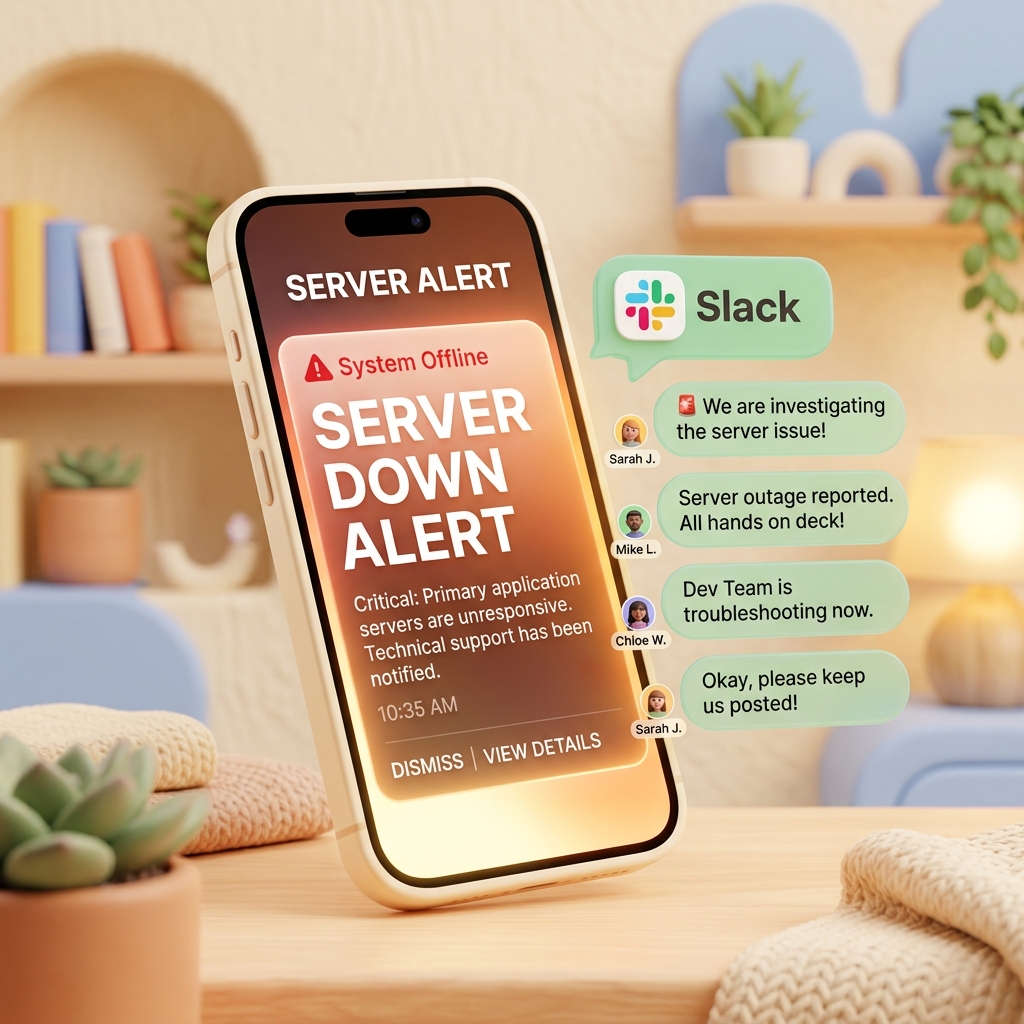
How to Forward Server Outage SMS Alerts to Slack in Real-Time
For IT operations, hosting providers, and software development teams, maintaining service uptime is a top priority. No matter how robust your setup is, unexpected hardware failures, database errors, or network outages can happen at any time. When they do, the key to minimizing downtime is how quickly your team is alerted and can respond.
Many monitoring tools and hosting providers send critical alert text messages (SMS) directly to the system administrator's phone when a server goes down. But what happens if that message is trapped on a single person's device? If the on-call engineer is asleep, in a meeting, or away from their phone, the Mean Time to Repair (MTTR) increases drastically.
The easiest and most reliable solution to this bottleneck is to automatically forward incoming server alerts to your team's Slack channel. Without complex backend code or expensive licensing fees, you can build a reliable backup alerting system in just 1 minute using the SMS Forwarder app on an Android device.
1. Why Forwarding Alert SMS to Slack is Crucial
Relying solely on email alerts or in-app dashboard notifications is risky, especially for high-priority incidents. Here is why Slack integration is essential:
① Eliminate Single-Point-of-Failure in Alerts
If critical alerts only go to one engineer's personal phone, your entire response pipeline fails if they are unreachable. Forwarding SMS alerts to Slack ensures the whole on-call rotation or development team sees the incident instantly.
② Centralized Incident Logs
Having SMS alerts posted to a specific Slack channel (e.g., #infra-alerts) creates a historical timeline of the incident. This makes collaborative troubleshooting much smoother since everyone can see exactly when the error started.
③ Rapid Cross-Department Coordination
When an incident is posted to Slack, non-technical teams (like Customer Support or PR) can quickly see the issue and start preparing client updates or status page changes immediately, rather than waiting for the dev team to notify them.
2. Setting Up Slack Webhook Integration in 1 Minute
The SMS Forwarder app on Google Play supports sending incoming text messages directly to external APIs and webhooks.
Step-by-Step Configuration Guide
Here is how you can set up the forwarding pipeline:
Generate a Slack Incoming Webhook URL
- Go to your Slack workspace management page and add the
Incoming Webhooksintegration. - Choose the channel where you want alerts to go (e.g.,
#incident-response) and copy the generated webhook URL.
- Go to your Slack workspace management page and add the
Configure Filtering Rules in SMS Forwarder
- Download SMS Forwarder on an Android phone.
- Add a new rule and define keywords to only target server alerts, such as
[AWS Alert],[Critical],[Pingdom], ordown. This ensures your personal texts do not end up in the shared team workspace.
Register the Webhook Destination
- Choose 'Webhook' as the forwarding target and paste your Slack Webhook URL.
- Format the payload (e.g.,
{"text": "{message}"}) and trigger a test message to verify the Slack channel receives the alert correctly.
3. Advanced Filtering & Best Practices
To make the alerting pipeline even more effective, consider these tips:
- Filter by Sender ID: Register specific sender phone numbers or alpha-numeric IDs (like
AWS-SNS) to ensure high-priority validation and block spoofed messages. - Define On-Call Shifts: Schedule the forwarding rules to only run during specific hours or days corresponding to the on-call schedule.
- Forward to Multiple Webhooks: Send critical alerts to Slack, and log warning messages directly to your email or an internal log aggregator.
4. Get Started for Free
You do not need an expensive SaaS subscription to set up a robust, real-time alert pipeline. By keeping a spare Android phone connected to the internet and running SMS Forwarder, you can build a reliable backup alert bridge at zero cost.
Download SMS Forwarder from the Google Play Store today and strengthen your system monitoring setup!
Download SMS Forwarder
Download now and build your own auto-forwarding rules in a minute.
Install Free on Google Play