
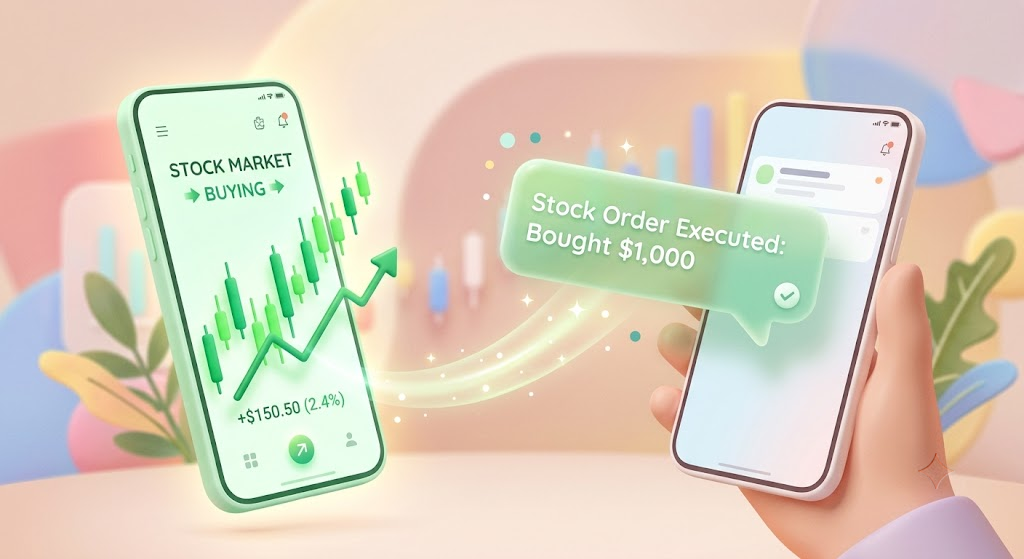
Share Stock Order Alerts in Real Time: How to Set Up Free SMS Forwarding for Smart Wealth Management
With interest in financial planning and asset management at an all-time high, many individuals are turning to stock market investing to secure their financial future. In recent years, joint investing has become a highly popular strategy—whether it's married couples pooling money for retirement or business partners merging capital to manage a shared investment portfolio.
In any joint investment or collaborative asset management strategy, real-time information sharing is the single most critical factor. Knowing exactly when a stock order is executed, or when a target price is hit and a sale completes, is essential for timing the next market move.
However, due to privacy and security regulations, most brokerages and banks only send transaction notifications via SMS to the account holder's primary mobile phone number.
This means every time you make a trade, you have to manually contact your partner or spouse to say, "I just bought this," or "This order was executed." If you get busy at work and forget to send a quick text, it can lead to unnecessary misunderstandings or cause your partner to miss critical market conditions.
Fortunately, there is a simple and reliable solution: utilizing a mobile application to configure real-time free SMS forwarding. Let's explore how you can set up this automatic system in under a minute without any coding knowledge.
1. 3 Major Benefits of Sharing Stock Trade Alerts
Setting up a real-time forwarding system for your stock execution alerts significantly improves the efficiency of your joint asset management.
① Build Mutual Trust in Joint Portfolios
For married couples managing a shared bank account or family budget, transparency is key. Rather than discussing transactions after the fact, real-time updates are much more effective. By setting up free SMS forwarding, brokerage alerts containing transaction prices and stock quantities are sent immediately to your spouse's phone. This builds mutual trust and eliminates the need to constantly explain portfolio status.
② Support Rapid Decision-Making in Joint Ventures
When managing a joint fund with a business partner, tracking transaction history in real time allows you to react faster to sudden market fluctuations. For instance, if a stock hits a target sell price and the transaction completes, forwarding the alert instantly means both partners can discuss the next allocation strategy immediately, capturing market opportunities.
"Stock prices fluctuate by the second. Delaying trade execution notifications because one partner is away from their phone can cost you money. Free SMS forwarding is the fundamental infrastructure for team investing."
2. 1-Minute Setup Guide for Stock Alert Forwarding
You do not need to write code or configure complex servers. A simple Android utility app allows anyone to create a seamless forwarding network.
Step 1: Install the Forwarding Application
First, download the SMS Forwarder App for free from the Google Play Store onto the primary smartphone that receives the broker's transaction texts. Open the app and grant the required SMS read permissions so it can detect and process incoming messages.
Step 2: Set Up Custom Rules and Filters
You don't need to forward spam or personal texts. Use the app's filter settings to target the specific sender ID of your brokerage or add keywords like executed, bought, sold, deposit, or withdrawal.
The app will selectively filter and forward only the messages related to your investment activity.
Step 3: Choose Destination Channels
Enter the phone number of the person who should receive the forwarded alerts. If your investment team or family uses a group chat, you can configure the app to forward alerts to an email address or to messengers like Telegram, Discord, or Slack via Webhook URLs.

3. Checklist for High Reliability and Real-Time Delivery
Because financial markets move quickly, ensuring that your forwarding setup runs continuously in the background is crucial.
- Disable Battery Optimization: Android OS often shuts down background processes to save battery. In your device's settings, exclude the SMS Forwarder app from battery optimization to guarantee real-time delivery.
- Confirm SMS Settings with Your Broker: Many brokerages default to in-app push notifications instead of text messages. Ensure you log into your brokerage account and toggle the notification delivery method to "SMS text message."
- Network Stability: Make sure your primary device remains connected to a stable cellular data or Wi-Fi network.
Say goodbye to manually sending screenshots of your executed orders. Install a reliable free SMS forwarding app today to build a smarter, more transparent investment partnership!
Download SMS Forwarder
Download now and build your own auto-forwarding rules in a minute.
Install Free on Google Play