
How to Automatically Forward International Customs & Parcel Tracking SMS to Email and Telegram
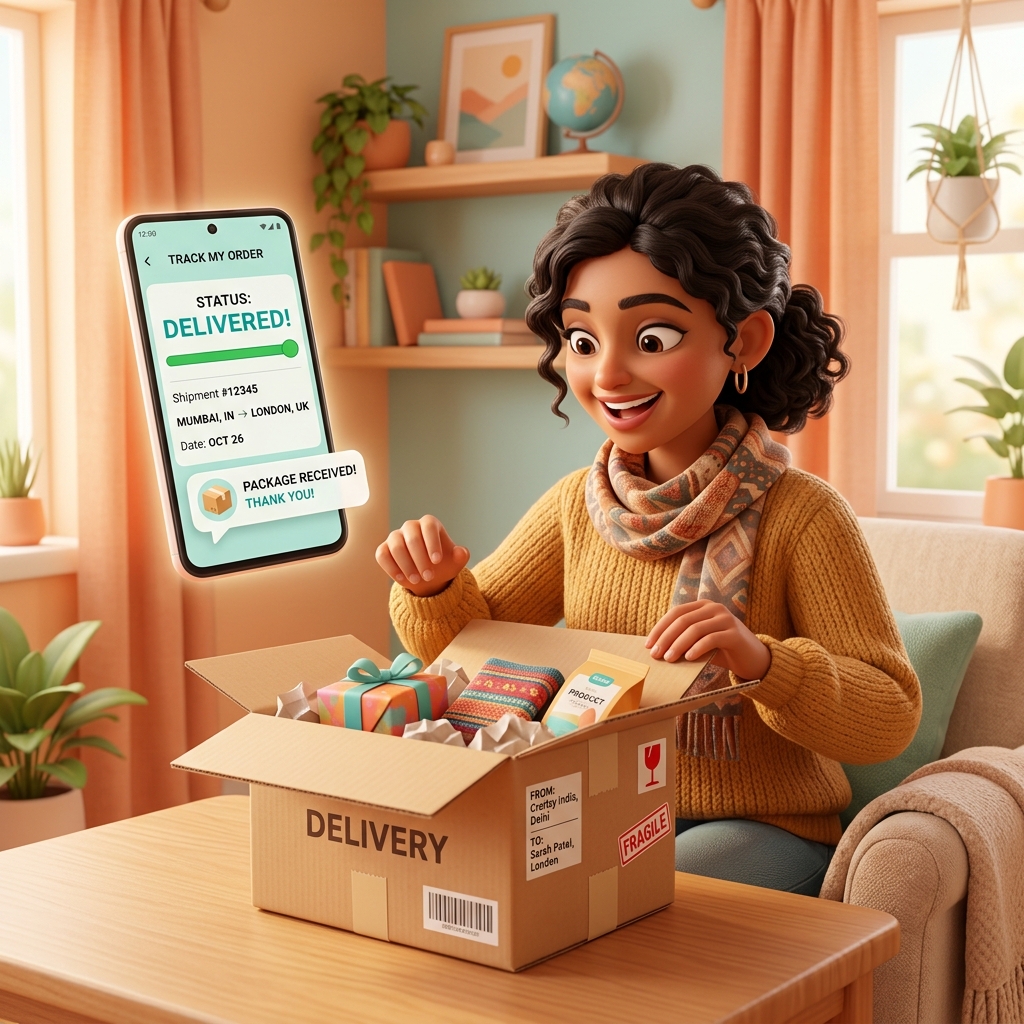
Shopping on international e-commerce platforms like AliExpress, Amazon, or eBay has become a daily routine for many online shoppers. One of the most critical stages of international ordering is tracking your package as it arrives at national customs, completes duty clearance, and transfers to local couriers.
However, if you register an alternate SIM card or secondary phone number for overseas shopping, or if you are busy working, missing crucial SMS alerts from customs authorities or express couriers (DHL, FedEx, UPS) can cause major headaches. Unread tax payment requests or address verification alerts can result in storage fees or even returned packages.
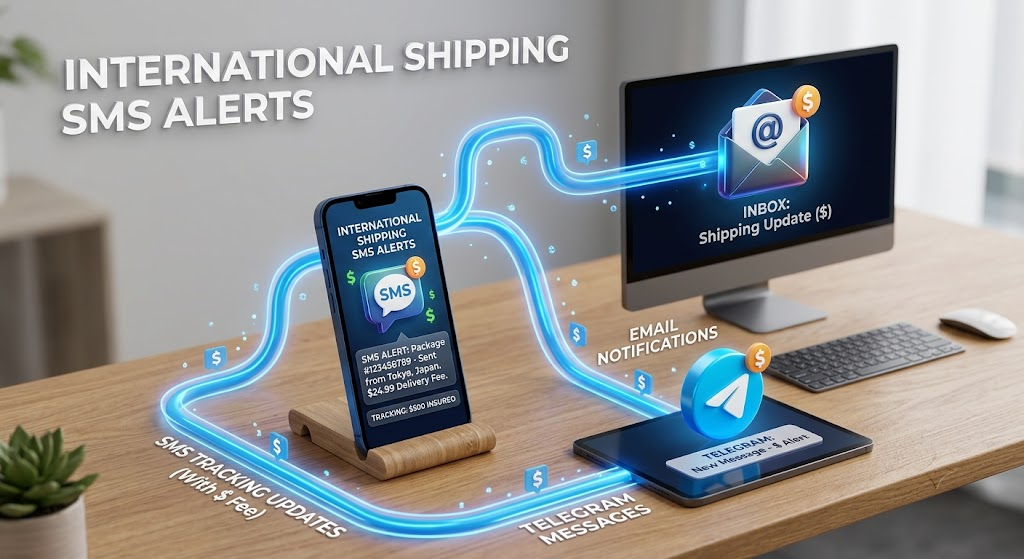
Instead of constantly checking your secondary phone, you can automatically forward all customs clearance and delivery tracking SMS notifications directly to your primary email inbox or Telegram app in real-time.
1. Why Automated Customs & Shipping SMS Forwarding is Essential
For frequent cross-border shoppers and e-commerce importers, automated text forwarding provides total peace of mind.
① Never Miss Duty Payment & Clearance Deadlines
When international packages require duty payments or tax invoices, couriers send time-sensitive SMS notifications. Forwarding these notifications immediately to your main email or Telegram ensures you can pay fees on time and avoid clearance delays.
② Consolidate Alerts from Secondary Devices & SIM Cards
If you use a secondary mobile phone or local SIM card dedicated to online shopping, forwarding keeps all shipping notifications centralized on your primary smartphone.
"Speed is everything during international customs clearance. Automatically routing customs notifications to your email or messaging apps eliminates shipping anxiety and prevents package returns."
2. 3-Step Setup for Customs & Shipping SMS Forwarding
Set up a reliable SMS forwarding system in under 1 minute using a free Android application on your receiving device.
Step 1: Install the SMS Forwarder App
On the Android phone receiving your shipping texts, open Google Play Store and download SMS Forwarder.
Step 2: Configure Keyword Filters for Shipping & Customs
Add keyword filters so only relevant delivery texts are forwarded. Use keywords such as Customs, Duty, Clearance, Tracking, DHL, FedEx, or Delivery.
Step 3: Set Your Target Destination (Email, Telegram, or Secondary Phone)
Specify where you want the messages forwarded. Routing texts to your email or Telegram channel is especially useful if you work on a computer all day, as you'll see tracking updates right on your desktop screen.
3. Practical Tips for Smart International Shoppers
- Forwarding Alerts While Traveling Abroad: If you are traveling overseas and cannot easily check your home SIM card texts, automatic forwarding to email ensures you stay informed via any Wi-Fi connection.
- Keep Family Updated on Shared Orders: When ordering items for family members, automatically route delivery status SMS to their phones so they know exactly when the package will arrive.
Download the app on your receiving phone today and enjoy smooth, stress-free international shopping!
Download SMS Forwarder
Download now and build your own auto-forwarding rules in a minute.
Install Free on Google Play